
Security analysts, security managers, heck, even CISOs, often feel like their hands are tied.
Yes, they want everyone to be at the top of their game. But they don’t want to spam or hurt employees.
Yes, they want to make training engaging and memorable. But (1) their team’s not made of money, and (2) “Didn’t we already get training OOTB with the platform we have?”
Yes, of course they want employees to be the first to know about new, evolving threats. But there are ethical boundaries to consider. They can’t just send fake messages to a colleague’s personal email or slide into their TikTok DMs to see if they’ll take the bait.
So when a new threat makes headlines, and the CEO drops a “fyi, are we thinking about this?” Slack in the team channel, what are they supposed to do?
Short, scenario-based trainings are a way to get around these competing demands.
Below, we take a look at recent attacks that traditional phishing sims aren’t built to replicate, explore how to turn those real-world examples into training exercises, and show how security teams can create and deliver those trainings at the drop of a hat.
But first, let’s take a deeper look at why keeping your training up to date matters (we’ve got numbers to back it up).
Why security training needs to keep pace with new threats
Hackers are coming up with new ways to go after individuals and companies every. single. day. It is, in fact, their job.
Trying to outsmart them is really difficult. Particularly when attackers (like everyone else) have AI at their disposal, making it easier to dream up new strategies and execute them on a massive scale.
Thankfully, though, attackers don’t always reinvent the wheel. They “borrow” strategies from each other, repurpose old methods of attack in new ways, building on approaches that have worked in the past.
Which gives you an opportunity. For each new threat that comes out, you can:
- Teach employees about that threat, what happened, how it started, and the first inklings that something was wrong. This gives them the spidey senses to go, “Hmm, something’s off,” even if they encounter an attack that’s slightly different than what they saw in your training.
- Teach employees how to respond, encouraging them to report suspicious activity, even if it turns out there wasn’t a threat after all.
The sooner someone raises a red flag, the sooner your team can investigate. And time is literally money.
According to Ponemon Institute’s 2026 Cost of Insider Risks study, an eye-popping 68% of organizations experienced at least 21 insider-related incidents a year. Orgs that took more than 90 days to contain those incidents incurred an average cost of $21.9 million (!), while companies that contained them in less than 30 days paid 35% less.
How to turn 3 hard-to-simulate scams into bite-sized lessons
1. Turn Binance’s fake recruiter attack into a lesson on malicious job offers
What happened: In September 2026, a Binance software engineer received a message from a “recruiter” on a legitimate job platform. Thinking they’d at least check out the role and see if it was a fit, they proceeded through the interview hurdles, meeting with an HR person (who even shared their social media profile to build credibility), and then the “CEO” of the company.
The next round was a coding test, so the candidate was instructed to download a coding assignment. And they did so on their work computer.
That assignment contained malicious code that compromised the device and replaced a developer tool on the engineer’s machine. From there, attackers used the device and the internal tool to compromise two more Binance employees who were working on Binance’s wallet infrastructure. The campaign ultimately led to the theft of roughly $6.3 billion.
Why it’s hard to simulate:
There are lots of reasons why you wouldn’t create a fake job opportunity on a real hiring platform, arrange multiple interviews, ask “candidates” to download malicious code, and see if they do it.
For one, using another company’s logos, trademarks, etc. might lead to legal action for trademark or copyright infringement.
But more importantly, this kind of extended deception can erode employee trust. Employees may start questioning whether external recruiting comms are real, or feel embarrassed when they discover that the opportunity was totally made up.
Training idea:
Instead of trying to recreate an elaborate crime, teach employees how this kind of crime goes down.
Start by educating them about what happened (like the recap above), then explain the ways they could’ve spotted it was a sham, and who they could contact if something felt wrong.
Sprinkle questions throughout to confirm their understanding, and then deploy. Remember, people don’t want to be sitting around for hours doing training. They have work to do! So keep it short, informative, and sweet (aka not boring).
To give you a sense of what this might look like, we mocked up a version of this kind of training in Herd:


FYI, you can toggle in the top right to see how this would look in Teams.
2. Turn Retool’s multi-channel attack into a lesson on verifying IT requests
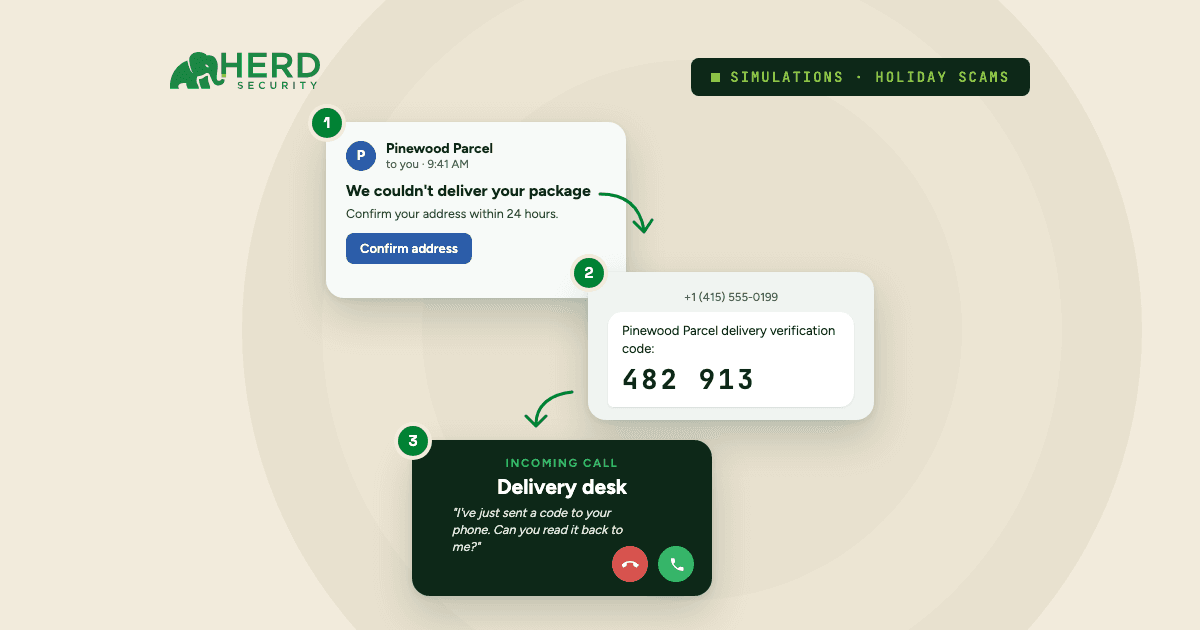
What happened: In 2023, Retool employees received texts from someone claiming to be in IT. These messages warned that some “account issue” could prevent employees from completing open enrollment (stress-inducing, for sure), and asked them to log in to fix it.
Not so coincidentally, the company had just announced a switch to Okta. So the premise of the attack somewhat made sense, and the link in the text was disguised to look like the company’s internal identity portal.
One employee entered their credentials on the fake login page. After that, they received a call from the attacker, who posed as a real IT employee, using a deepfake to mimic the person’s voice. The caller even knew the office floor plan and who their “coworkers” were. Scary.
Though the employee was still suspicious, they gave the caller an MFA code that let the attacker add their own device to the employee’s Okta account, gaining access to Google Workspace, synced MFA codes, VPN, and other internal admin systems. From there, attackers got into the accounts of 27 Retool cloud customers.
Why it’s hard to simulate:
Sending personal, high-stakes bait (open enrollment) can cause true distress among employees. And a whole lot of mess for your HR team to clean up.
Then, there’s the phone call. Showing how easy it is to use AI to clone someone’s voice is one thing. Cloning an actual colleague’s voice and using it to deceive their coworkers without anyone’s knowledge (even if you get their consent) is another.
Training idea:
Use the Retool incident as a walkthrough of how a multi-channel attack unfolds. Show employees each step, from how attackers create urgency, to clues that a website (in this case, the login page) isn’t legit, to what AI-generated voices sound like, to why you’d almost never share an MFA code with someone else.
Again, we made a mockup for you to model off of in Herd (this time with Teams):

3. Turn LastPass’s CEO deepfake into a lesson on executive impersonation
What happened: In 2024, a LastPass employee got a series of calls, voicemails, and messages over WhatsApp from someone pretending to be the company’s CEO. The attacker, as you might guess, used an AI-generated voice to seem realistic.
Though this could’ve gone really wrong, LastPass was spared. The employee smelled something phishy (WhatsApp wasn’t an official communication channel, and the messages sounded unusually urgent) and reported the attempt to the LastPass security team.
Still, their team points out that “there are now numerous sites and apps openly available that allow just about anyone to easily create a deepfake.”
Why it’s hard to simulate:
Same reasons as the Retool attack. You’d need to impersonate a real team member (an exec no less), and contact employees through their personal messaging apps. Lot of deception for one phishing test.
Training idea:
Rather than trying to mount a similar attack, use the incident as a teaching tool. Here’s another mockup we built, this time in Teams, based on the LastPass incident.
At Herd, we take this a step further with a training that prompts employees to record a 5- to 10-second voice sample of themselves in Slack.
Our platform sends that sample to an AI voice cloner, then plays back the real and cloned versions for employees to identify, showing just how difficult it is to distinguish their own voice from an AI copy.
As with any exercise that uses someone’s voice, get employees’ consent and loop in HR and legal before you run it.
Just to give you a sense of how hard it is to tell whether a voice is AI or the real deal, consider one study in which they presented genuine and deepfake audio to 500+ individuals. People correctly spotted the deepfakes 73% of the time.
Even if that’s a number you can live with for now (people are still wrong 27% of the time!), AI is only getting better and better, which will make detection worse and worse.
Turn the next big threat into a training in minutes
New attack methods are emerging literally all the time. And by the time you release this training, another threat will be making the rounds. How are you supposed to keep up?
With Herd, it’s as easy as writing a prompt. Feed it a recap of a real threat, ask it to create new training modules for your team, and Herd will:
- Create 3- to 5-minute lessons based on that new threat, your security policies, and how your org operates (down to the emojis your execs tend to use)
- Deliver them to your entire company via Slack or Teams
- Automatically track their completion
Give it a try yourself. Or read how companies like Onebrief and Outfox Health have already made it part of their everyday security process.