

This is a comparison of Herd and Proofpoint's security awareness product for buyers who are replacing or evaluating it. Proofpoint facts come from Proofpoint's own public pages, linked inline and current as of November 2026. Herd facts come from Herd's product documentation. Where a detail is not on those sources, the table says "Not published" instead of guessing. We make Herd, so weigh the verdicts accordingly.
What is Proofpoint Security Awareness called now?
Proofpoint's security awareness product is now branded Proofpoint ZenGuide, as of November 2026. Proofpoint's security awareness training page uses "Proofpoint ZenGuide" throughout, while the older name "Proofpoint Security Awareness Training" still appears on third-party review sites.
Proofpoint also uses "Proofpoint Zen" as a platform name. Its public product page does not explain how the two names relate, so confirm with your account team which SKU you are being quoted.
Is Herd a good Proofpoint Security Awareness alternative?
Herd is a good alternative if you are a lean team that wants compliance training generated from your own policies, delivered in Slack or Teams, with prices you can read before a sales call. It is a weaker alternative if you want to consolidate security awareness with a Proofpoint email security deployment under one vendor.
Who is Proofpoint ZenGuide for, and who is Herd for?
ZenGuide is aimed at organizations that want a security awareness program from an established email security vendor. Proofpoint says the product offers "AI-powered guidance and content that intelligently adapts to the changing threat landscape" and builds simulations from real attacks using its Satori Phishing Simulation Agent and AI ThreatFlip, per its solutions page.
Herd is aimed at security and GRC teams that need training and phishing simulations running quickly, often for a framework such as SOC 2, ISO 27001 or HIPAA. Plans start at $100 per month.
How do Herd and Proofpoint ZenGuide compare feature by feature?
The table reflects what each vendor publishes as of November 2026. "Not published" means the detail was not on the vendor's public pages we reviewed, which does not mean the feature is absent. Ask Proofpoint directly for anything marked that way.
| Dimension | Proofpoint ZenGuide | Herd |
|---|---|---|
| Training generation | AI-driven content that adjusts learning automatically; catalog spanning topics, formats and languages | Conversational AI (HerdAI) builds a structured training from a topic or reference material; unlimited trainings on every plan |
| Email simulations | Phishing simulations built from real attacks; channel not specified on the page | Yes |
| SMS simulations | Not published on the pages reviewed | Yes, on the Enterprise plan (US, Canada, other +1 territories, and Ukraine) |
| Voice simulations | Not published on the pages reviewed | Yes, on the Enterprise plan (text with a code, then an AI voice call) |
| Slack and Teams simulations | Not published | Not published as standalone simulation channels |
| Training delivered in Slack and Teams | Not published (page says "every collaboration channel" without naming tools) | Yes, both Slack and Microsoft Teams |
| Compliance reporting | Not described as a feature on the pages reviewed | Compliance campaigns by framework, a reports hub, policy attestations, and a Drata integration |
| Languages | A "wide range"; no count published | Not published |
| Reporting button | Report Suspicious button across email and mobile devices | No button of its own; detects reports made through your Outlook or Gmail report button |
| Setup time | Not published | No timeframe published; seven-step checklist in the docs |
| Pricing transparency | Not published; links to "How to buy" and a demo request | Published: $100 per month (Startup), from $5,000 per year (Tiered Flat Rate), custom Per User |
What does Proofpoint ZenGuide do well?
Proofpoint's main advantages are scale, threat intelligence and a built-in reporting button. Its product page says simulations are created from current attacks targeting your organization, and that a Report Suspicious button works across email and mobile devices.
For organizations already running Proofpoint for email security, buying awareness training from the same vendor can simplify procurement and keep threat signals in one place. Proofpoint also describes WCAG-based accessibility settings.
Where is Proofpoint ZenGuide the better fit?
Proofpoint is the better fit when vendor consolidation and a built-in reporting button matter most. Choose it if the following describe you.
- You already use Proofpoint for email security and want one vendor and one contract.
- You want simulations tied to the threats Proofpoint observes against your organization.
- You want a native Report Suspicious button instead of relying on your mail client's own.
- You are comfortable buying through a sales process without a public price.
Where is Herd the better fit?
Herd is the better fit when you want fast, policy-specific compliance training and clear pricing. Choose it if the following describe you.
- You want to generate trainings from your own policies and tools through a conversation, rather than adapt a catalog.
- You want training delivered inside Slack or Microsoft Teams. Herd's setup docs cover both.
- You need evidence for auditors. Compliance campaigns bundle a framework, trainings, policies and users, and completions and attestations can flow to Drata.
- You want a published price. See the pricing page.
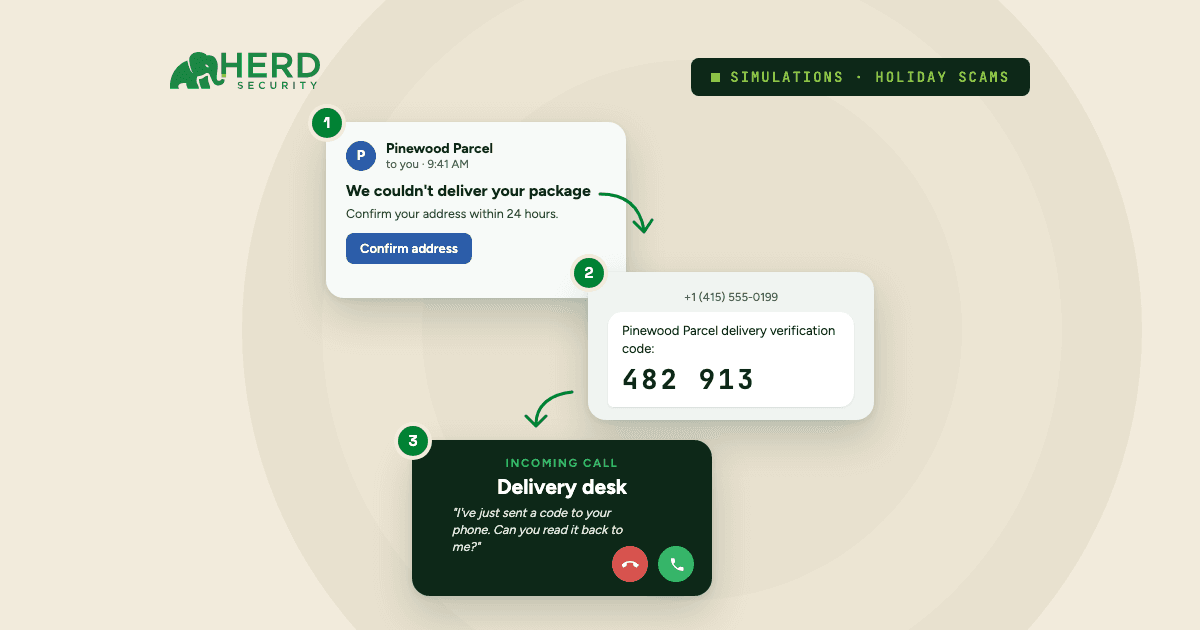
Herd also runs SMS, WhatsApp and voice simulations (see cross-channel phishing). Herd has no report button of its own. It detects reports from the Outlook or Gmail report button you already use.
How should you evaluate the two?
Ask each vendor for a sample audit report, a list of supported simulation channels in your region, and written pricing for your headcount. Run a short pilot with one team and compare how long it takes to get from signup to a first assigned training.
For a broader checklist, read the human risk management platform checklist. If you are also considering a library-first incumbent, see KnowBe4 alternatives.