
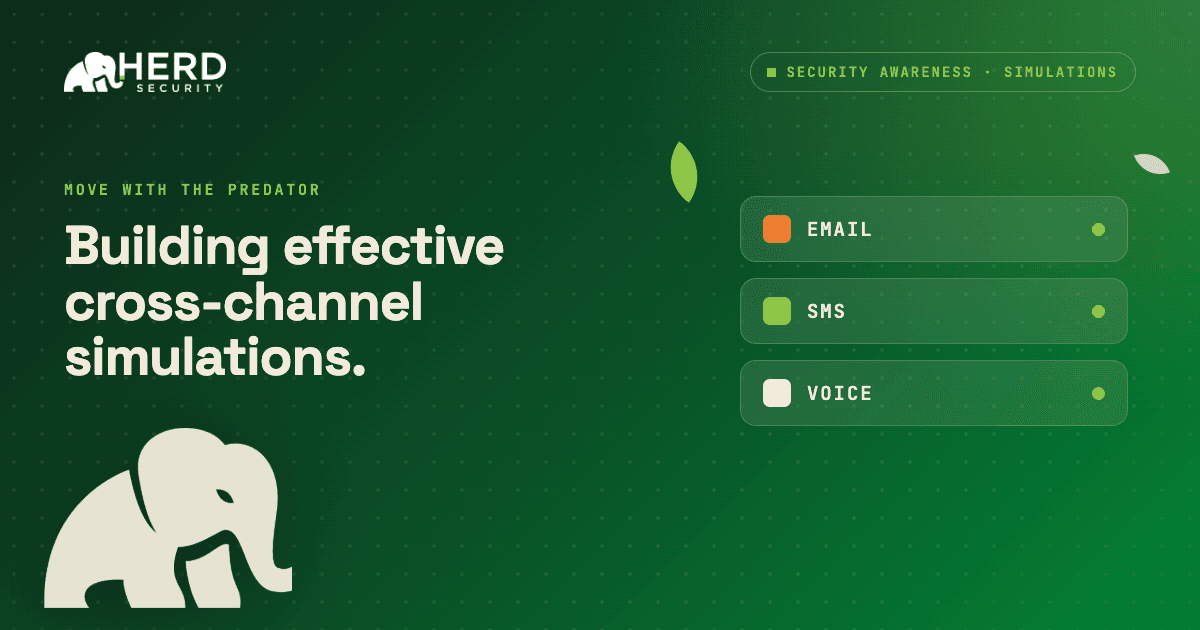
Simulations are most effective when they mirror real‑world threats without blindsiding employees. Too easy, and your team learns very little; too tricky, and you erode trust, spike anxiety, and teach people to fear your security program instead of embracing it. Simulations in Herd should help employees feel prepared, not punished.
This guide shares simple practices for designing cross-channel (phishing, smishing, and vishing) simulations that genuinely build resilience while keeping your program credible and fair.
Foundations for fair but effective simulations
These principles apply across every simulation type in Herd and help you keep the right balance.
1. Start at the right difficulty level
Match difficulty to your organization’s current security maturity.
- Beginner: generic sender names, clear urgency cues, mismatched URLs
- Intermediate: branded templates, plausible scenarios, subtle red flags
- Advanced: highly targeted content, internal impersonation, multi‑step attacks
In Herd, you can gradually move from simpler to more sophisticated simulations as your users improve.
2. Never use emotionally manipulative content
Simulations should test alertness, not exploit personal fears. Avoid scenarios that reference layoffs, health emergencies, family issues, or anything likely to cause genuine distress.
Avoid examples such as:
- “Your paycheck has been delayed” - creates real financial anxiety
- “HR has flagged your conduct” - triggers fear of job loss
- “A family member has tried to reach you” - crosses personal boundaries
3. Always follow up with education, not blame
When an employee falls for a simulation, the next step should be learning, not a public call‑out. In Herd, you can automatically trigger a short training module after a failure so the teachable moment is captured.
How to in Herd
Link a training module to your simulation so that when an employee fails, they are automatically enrolled in a follow‑up course. Every miss becomes a structured learning opportunity.
4. Maintain a consistent, rolling cadence
Sporadic, one‑off simulations can feel like “gotcha” moments and increase anxiety. Instead, run simulations on a regular cadence (for example, monthly per employee) so people see them as an ongoing part of your security program rather than rare surprises.
At the same time, keep individual messages unpredictable. Stagger send times and vary templates so employees might encounter a simulation while they are busy or distracted -just like a real attack.
Clearly communicate that simulations are a standing, learning‑focused control, not a punishment tool. This framing helps reduce stress while still teaching employees that suspicious messages can appear at any time and should always be treated with care.
Phishing simulations
Phishing remains the most common attack vector, and effective simulations train employees to pause and review emails before acting, even when they appear legitimate. The problem hasn’t been the quantity of options, but being able to keep up to date on what real attackers are sending.
What makes a phishing simulation effective?
Choose realistic but recognizable scenarios
Use scenarios employees are likely to encounter, such as shared document notifications, IT password resets, or benefits enrollment reminders. Red flags should be present but not obvious.
- Use sender names that look almost correct (for example, support@company‑helpdesk.com vs. support@company.com)
- Include a plausible call‑to‑action (review a document, sign in to verify, confirm details)
- Avoid relying on obvious typos or broken formatting at beginner levels—real attacks increasingly look polished
Build in detectable red flags
Each simulation should include at least one clear signal that something is off. The goal is to train employees to look for signals, not to trick them indefinitely.
- Mismatched reply‑to and sender addresses
- URLs that do not match the claimed domain
- Unusual urgency or pressure to act within minutes
- Requests for credentials or sensitive information via email
Vary your templates over time
Reusing the same template only trains people to spot that simulation. Rotate scenarios across IT alerts, HR communications, or vendor invoices to keep coverage broad and realistic.
Track these stats within the dashboard or within the campaign that you sent out. You can also ask Herd AI for the statistics on specific campaigns.
How to in Herd
Browse Herd’s simulation template library and rotate between categories each quarter. You can automate this by creating a phishing campaign containing multiple templates.
What to track
- Click rate: percentage of recipients who clicked the simulated link
- Report rate: percentage who reported the message as suspicious
- Dwell time: time between delivery and click (longer often indicates more caution)
- Repeat offenders: employees who fail multiple simulations and may need targeted support
SMS phishing (smishing) simulations
Smishing (SMS phishing) is growing quickly, and employees are often less guarded on their phones than on email, which makes smishing simulations a valuable but often underused control.
What makes a smishing simulation effective?
- Mirror common SMS scams: Effective simulations mirror real attack patterns such as package delivery failures, bank alerts, two‑factor prompts, or IT helpdesk texts.
- Keep messages concise - real smishing are short and direct.
- Make sure to include a link the employee is asked to tap or visit, and use a plausible sender name or short cod
- Account for the mobile context - On mobile, employees cannot hover over links to preview URLs. Design smishing simulations that teach mobile‑specific detection skills, such as recognizing shortened links, unfamiliar numbers, and unexpected requests.
Fairness considerations
Because smishing is newer to many employees than email phishing, start with clear red flags (ie. unfamiliar sender numbers, misspelled brand names) before progressing to more subtle, sophisticated scenarios.
How to in Herd
Create a smishing simulation by choosing SMS as the delivery channel, then customize the message and link destination.
What to track
- Link click rate: the SMS equivalent of click rate
- Report rate: percentage of employees who reported the suspicious text
- Completion rate for follow‑up training after a failure
Voice phishing (vishing) simulations
Vishing (voice phishing) simulates phone‑based social engineering, where attackers pose as IT support, executives, vendors, or auditors to obtain sensitive information or access.
What makes a vishing simulation effective?
User clear, realistic pretexts and scripts - Because vishing is interactive, you need a realistic script that reflects common attack patterns (ie. IT asking for credentials to “fix an issue,” an executive assistant requesting urgent wire transfer approval, or a vendor seeking account access.)
- Keep the script natural and conversational
- Use realistic pressure tactics: urgency, authority, a “helpful” tone
- Define clear boundaries for what the simulated caller will and will not ask for
Make it convincing but not impossible - The most effective vishing simulations are believable yet still offer cues for a vigilant employee to catch.
- Caller asks for full credentials instead of simple identity confirmation
- Scenario attempts to bypass normal processes (“we need to do this before the ticket system comes back online”)
- Caller discourages verification through another channel
Always debrief participants - Because vishing involves real‑time interaction, it carries more emotional weight than a link click. Whether an employee passes or fails, follow up with a clear explanation of what happened and what to watch for next time.
- Brief managers before running vishing simulations so they can support their teams
- After the campaign, send a company‑wide reminder that it is always acceptable to hang up and verify via a known number
- Avoid blame or shame - vishing exploits trust and helpfulness, not incompetence
Fairness considerations
Vishing is typically harder than email or SMS simulations because it uses live conversation and social pressure.
- Expect higher failure rates and frame success around improved awareness and reporting, not perfection.
- Start with simpler, clearly suspicious scenarios before moving to more subtle pretexts.
- Avoid scenarios that create fear about job loss, discipline, or personal crises.
- Make your rules of engagement explicit (what callers will never ask for, whether calls are recorded, how results are used) so employees understand the boundaries
What to track
- Compliance rate: percentage of employees who provided the requested information
- Hang‑up and verify rate: employees who ended the call and confirmed via a trusted channel
- Escalation/report rate: employees who reported the call to IT or security
Putting it all together
The strongest programs treat simulations as structured practice, not pop quizzes. When you pick realistic scenarios, avoid cheap emotional hooks, and clearly explain what you were testing, people understand that the goal is to help them handle real threats, not to call them out.
In Herd, you can run coordinated phishing, smishing, and eventually vishing into your program, automatically trigger follow-up training, and use your results over time such as clicks, reports, escalations, to tune difficulty rather than to shame individuals. That steady calibration is what builds long‑term trust in your security team and real confidence in spotting attacks.
Try it for yourself with a free trial today.