
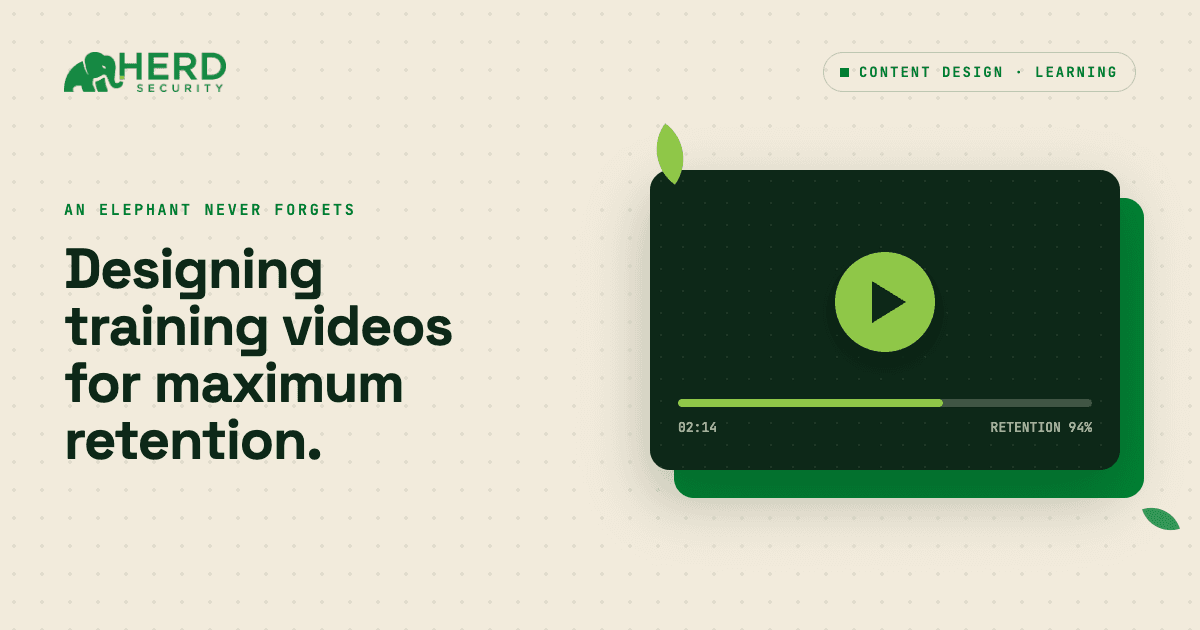
Most training videos don't fail because the content is bad. They fail because of how they're delivered. Too long, dropped in the middle of a module with no context, and no interaction to make the learner do anything with what they just watched.
This guide covers a better approach: how to use video inside Herd in a way that's fast to build, easy to complete, and actually worth watching.
Should your video be a step or its own training?
Before you build anything, you need to make one decision. If your video is 15 seconds or less, it can live as a single step inside a larger training module. If it runs longer than 15 seconds, it should stand alone as its own training, with its own title, description, and follow-up question.
This isn't an arbitrary cutoff. Short videos embedded in a step are like quick demonstrations: they make a single point and hand the learner back to the module. Longer videos carry enough weight that they deserve their own space. Trying to cram a longer video into a step creates a pacing problem the learner feels like they just watched a short film in the middle of a conversation.
And if you find yourself thinking "I'll just squeeze two concepts into one video," that's a sign to split them. Two separate 10-second clips that each make one clear point will outperform a 25-second clip that makes two blurry ones.
Sketch the sequence before you build
Once you know you're building a video step, sketch the surrounding structure before you open the editor. The pattern is simple:
A context step that tells the learner what this is about and why it matters
A video step (ideally step 2 or 3 in the module)
A reinforcement step with a quick interaction a button choice, quiz, or scenario
Place the video within the first three steps. This is intentional. Early in a module, learners are attentive and curious. Deeper in, they've accumulated cognitive load from earlier steps. Put the video where it can land cleanly, before attention starts to drift.
The pre-video step should be simple: one sentence of context and a clear call to action, like a button that says "Start the video." That's it. No paragraphs summarizing what the video will cover that's what the video is for.
What goes in a video step?
When you build the video step, keep it minimal. A strong video step has four elements:
- A short title that names what the video shows ("Watch: Spotting a fake login page")
- One line of instruction that tells the learner what to do ("Watch this short video, then choose what you'd do next")
- The video asset
- Buttons for the next action
Everything else is noise. Don't write a paragraph explaining what the video is about. Don't give multi-step instructions that mix watching with reading and scrolling. The learner has one job: watch the video and then do something with it. Make that obvious.
Always add buttons
This is where a lot of trainings quietly break down. If you leave the video step without buttons, the platform will auto-progress to the next step when the video ends. That sounds fine until you think about what it actually means: the learner can't pause, can't rewatch, and doesn't make any choice. They're just carried forward. You lose the interaction point entirely.
Buttons solve this, and they do more than just move the learner forward. You can use them to:
- Confirm completion: "Got it, next." — simple, but keeps the learner active
- Capture a decision: "This looks safe" / "This looks suspicious" — turns passive watching into a judgment call
- Branch the experience: different buttons can lead to different follow-up steps, letting you tailor feedback to what the learner chose
Even a single "Continue" button is better than no button. It gives the learner control, which keeps them more engaged and gives you a measurable interaction point.
After the video, reinforce immediately
The step after the video should do one thing: help the learner apply what they just saw. One question. One scenario. Not a full quiz, not a new concept just something that prompts them to process the video rather than move past it.
This is where the real learning happens. Watching something activates recognition. Doing something with it builds retention. The reinforcement step doesn't need to be complex — "What would you do if you saw this in your inbox?" with two or three button choices is enough.
How long should a training module be?
Throughout all of this, aim to keep your total module to 8–10 steps. That's the range where most learners can complete a training in a focused sitting without feeling like they're being paced through a novel.
If you find yourself going over that limit, look first at whether any of your steps are doing double duty. A step that tries to explain something and ask a question about it and introduce the next topic is really three steps. Break them apart, or cut the least essential one.
The goal is a module that feels purposeful — where every step earns its place, including the video.
The pattern in practice
Here's what it looks like assembled:
Step 1 — "Phishing attacks often look legitimate. Here's a short video showing what to watch for." (button: "Start the video")
Step 2 — "Watch: Spotting a fake login page" / "Watch this short video, then choose what you'd do next." (video + buttons: "I'd report this" / "I'd ignore it" / "I'd enter my password")
Step 3 — "You're about to log into your bank account and the page looks slightly off. What do you do?" (buttons: scenario choices)
Three steps. A video that makes one clear point. A decision that puts the learner in the situation. That's the whole structure.
Join the Herd
Video steps work when they're short, placed early, and paired with something that requires a response. Without those elements, a video is just something to sit through. With them, it becomes a focused moment that moves the learner from watching to thinking to doing, which is the whole point. Herd builds those steps from your own policies rather than from a stock library — that is how security awareness training works here. Want to see for yourself? Start a trial with Herd today.