
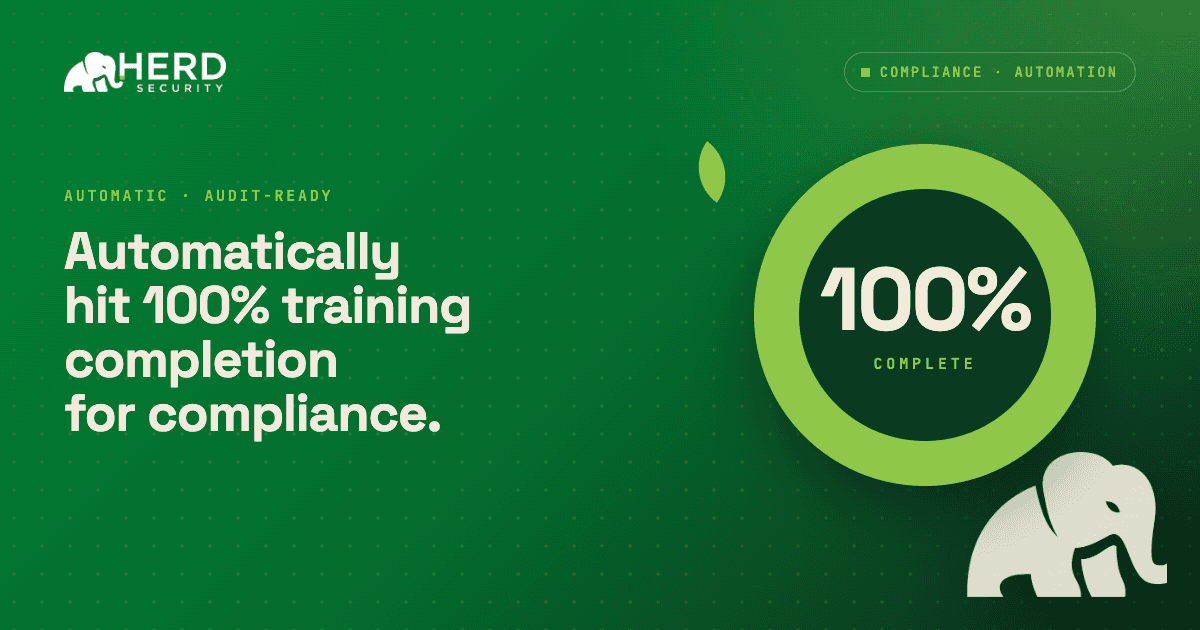
When you're staring down an audit deadline or new regulatory requirement, you need high completion rates fast. This guide shows you how to hit 100% completion quickly without burning out your team or chasing stragglers manually.
In order to get the full effect, let’s set this up as an example. You recently join a company and realize your audit is in less than 30 days. You have a laundry list of items to get to, but mainly you need to get every employee through training as quickly as possible. Note that in this situation, you’d be thinking less about training efficacy (retention) and more about completion. Assuming this, let’s dig in.
How should you announce a training deadline?
Set the deadline 30 days out and get the message out for visibility as quickly as possible. You don’t want people to see a training for the very first time and not understand the importance. Announce the deadline clearly in the kickoff message so there’s no ambiguity. If possible, have leadership reinforce it to show it’s required, not optional.
Required training is due in 30 days, you’ll be receiving trainings through Slack/Teams that last 2 minutes each.
The keys to this opening message are:
- Get to the point and stress urgency
- Let everyone know they can complete trainings in Slack/Teams (including mobile)
- Get leaderships backing
With this, you’re off to the races. Now, it’s about setting up a program with minimal fuss.
How long should each training lesson be?
When it comes to completion rates, the shorter the training, the better. Aim for about two minutes per lesson, short enough that nobody needs to set aside time for it. The goal is to be straight to the point and get people to have as little friction as possible. The first key decision you’ll make is whether you want to create these trainings manually, generate lessons with AI, or use trainings from Herd’s preexisting catalog. Some of which are already mapped to existing compliance frameworks.
If you’re looking for the shortest time, we suggest using Herd’s preexisting trainings. However, Herd provides the ability to create a set of trainings, across multiple subjects in less than 30 minutes. (Yes, I’m serious).
Once you have the trainings you want to use, you can place them into a “Track” which is a series of trainings in a row.
- Create the track
- Set a cadence (how often people get the trainings)
- Setup reminders - we’ll talk about this in the next section
What reminder cadence drives training completion?
The single biggest driver of fast completion is a well-timed reminder cadence that escalates as the deadline approaches. In Herd, you can setup reminders to go through Slack/Teams that automatically run on a cadence.
Use consistent, automated reminders to help drive completion. Start with a heads-up before launching so employees know what’s coming, how long it will take, and when it’s due. Then send a kickoff message when the training goes live with a clear deadline.
From there, follow up regularly: as the deadline approaches. Increase urgency closer to the due date, and make sure employees know how long it takes (~2 minutes) so they don’t delay
Here’s how it could look:
- Week 0: (pre-launch):
- Hey team a quick heads up: our Annual Security Compliance training will go live next week in Herd. It takes about 2 minutes total and will be due on [DATE]. You’ll get a link directly in email/Slack/Teams when it’s ready.
- Week 1 (launch): Friendly kickoff message with clear deadline and time estimate.
- Week 2 (midpoint): Automated nudges depending on what was scheduled.
- A few days before deadline: Increase urgency with automated message to anyone still incomplete: "3 days left - takes 2 minutes, due Friday."
- Deadline day: Automated message Training Due Today [Training Name].
- Post-deadline:
- After the deadline: Notify overdue users and loop in managers for follow-up “Overdue Training: [Track/Training] was due on [DATE]. This training is now overdue.”
In Herd: Set up automated reminder schedules in your campaign settings and enable manager escalation for anyone still incomplete 1-2 days past the deadline.
How do managers help drive training completion?
Managers are your secret weapon for fast completion.
- Send manager targeted lists: Share which of their direct reports haven’t completed training so they know exactly who to follow up with.
- Make it easy to act: Include direct links or instructions so managers can tap someone on the shoulder in Slack or a 1:1.
- Set the expectation: Make it clear to managers that 100% completion on their team is expected, and compliance leadership is tracking by department.
Example manager slack/teams (2 days before deadline):
"Hi [Manager], your team is at 85% completion for the Q1 Security Compliance training (due Friday). The following 3 people still need to complete it: [Names]. Can you check in with them today? Training takes ~20 minutes. Thanks for helping us hit 100%."
Do incentives improve training completion rates?
Compliance can feel like a chore. A little friendly competition or recognition makes people move faster.
- Celebrate users who completed their trainings early: Post a Slack message or send an email highlighting teams or departments that hit 100% completion first.
- Gamify if possible: Use Herd's leaderboards to create friendly competition between departments or offices.
- Avoid public shaming: Never call out individuals who haven’t completed their training publicly. Instead, have managers follow up privately and frame it as support, not punishment.
Example Slack post (mid-campaign):
"Shoutout to the Finance and Engineering teams. They both are at 100% completion for Q1 Security Compliance with 5 days to remaining! 🎉 Who's next?”
Final thoughts
You don’t need a massive campaign to hit your compliance goals quickly. When deadlines, reminders, manager follow‑up, and positive incentives all work together, 100% completion becomes predictable instead of painful. By focusing on short trainings, smart automation, and clear ownership, you can turn Herd into a low‑effort engine for fast, reliable completion without chasing the last 10% all day. Get started today with a free trial.